Getting Started
This guide will help you quickly install and configure your first OperaMetrix modules.
General Installation
Step 1: Download the module
Download the .modl file for the desired module from the OperaMetrix marketplace.
Step 2: Install in Ignition
- Open the Ignition Gateway (usually http://localhost:8088)
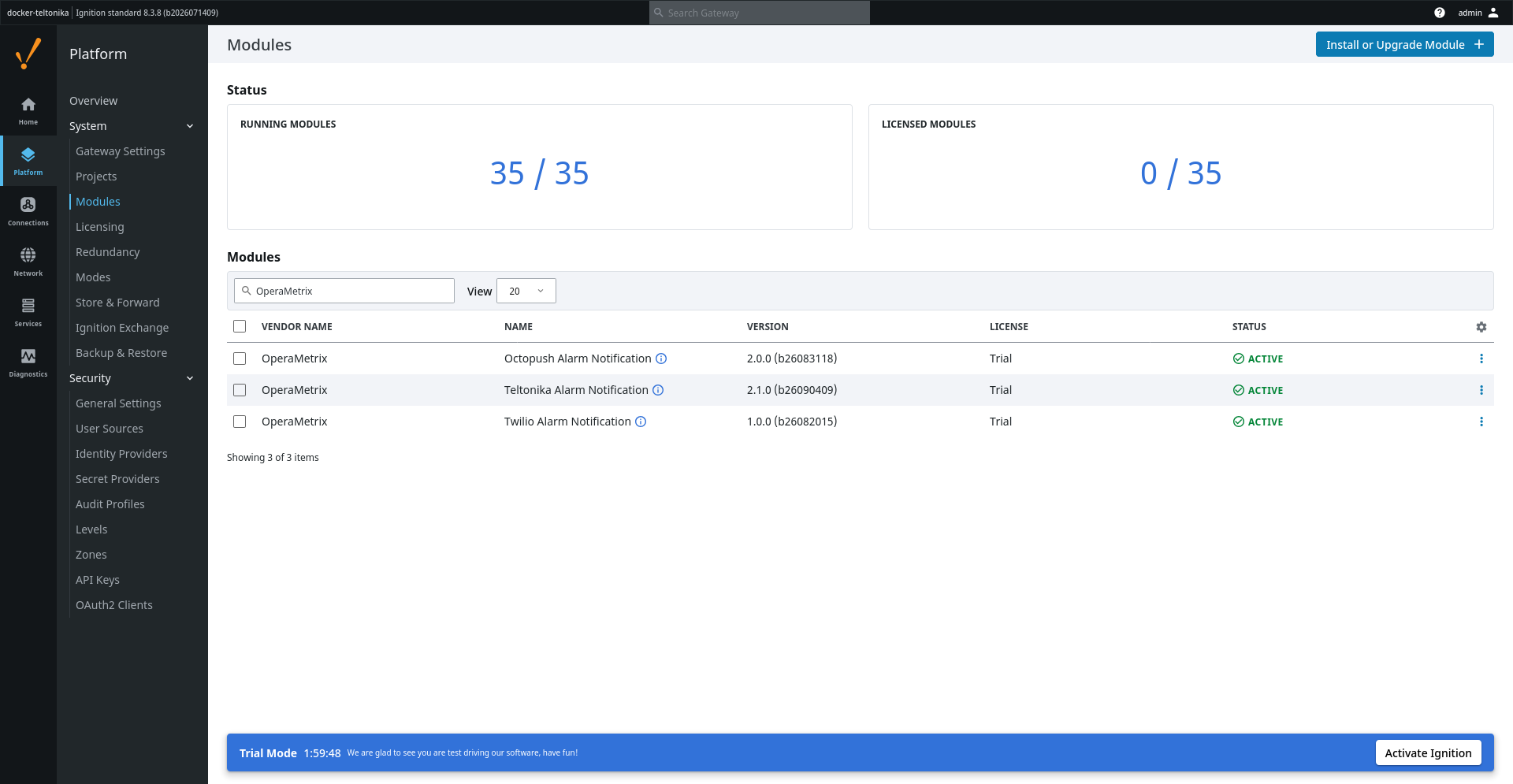
- Navigate to Platform > System > Modules
- Click Install or Upgrade a Module
- Select the downloaded
.modlfile - Accept the license and install
Step 3: Configure
Each module has its own configuration page. See the specific module documentation for details.
Verifying Installation
After installation, verify that the module appears in the modules list with "Active" status.